
Create or revoke an API token.
- From the Admin page
- Shown once, so copy it straight away
- Replace it before it expires
How-to guide · Last updated October 27, 2021
-
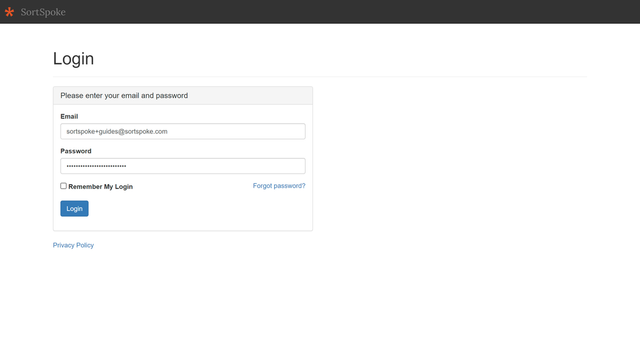
Log in.
Use your email address and password to log in to SortSpoke.
-
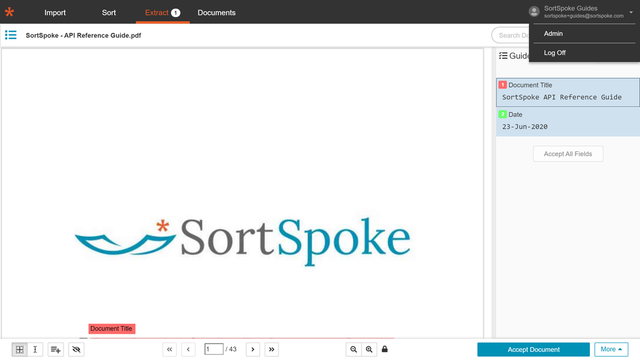
Open the Admin page.
Open Admin from the menu at the top right. Don’t see it? Contact us.
-
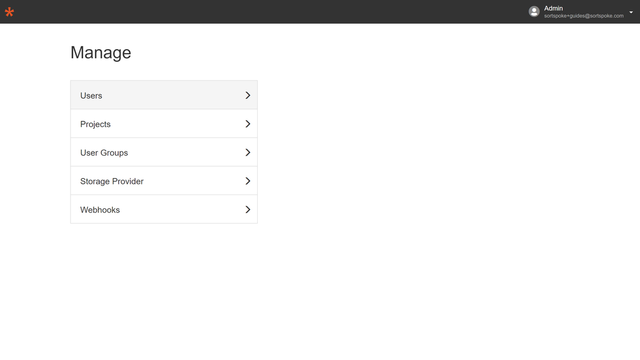
Open Users.
On the Admin page, click Users.
-
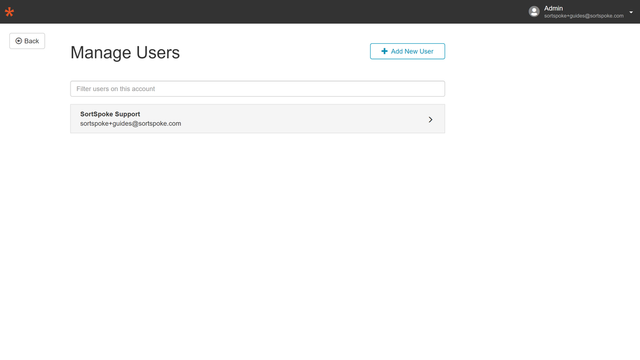
Select the user.
Click the user the token is for.
-
Generate the token.
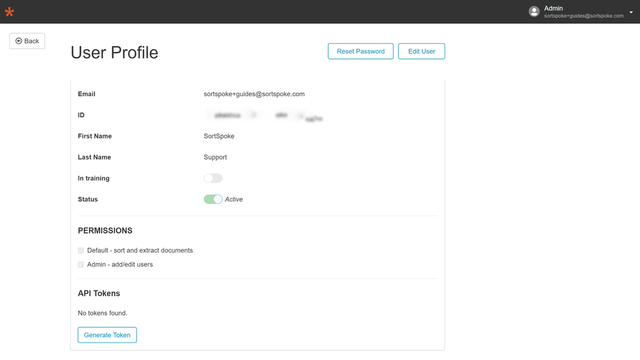
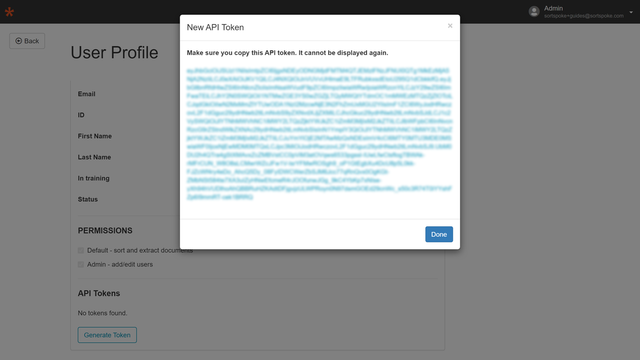
Click Generate Token. The new token appears on screen.
-
Copy the token.
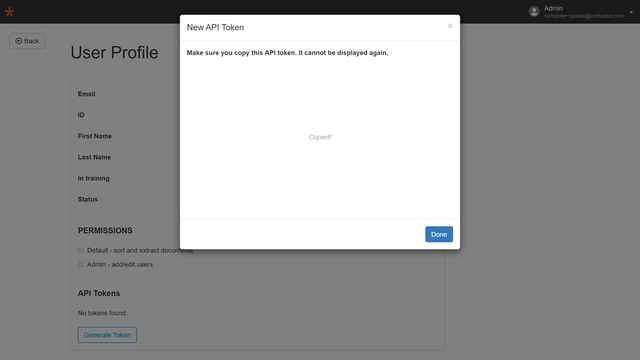
Click the token to copy it to your clipboard, then click Done.
The token is shown only once. If you can’t copy it, repeat these steps to generate a new one.
-
Note the expiry date.
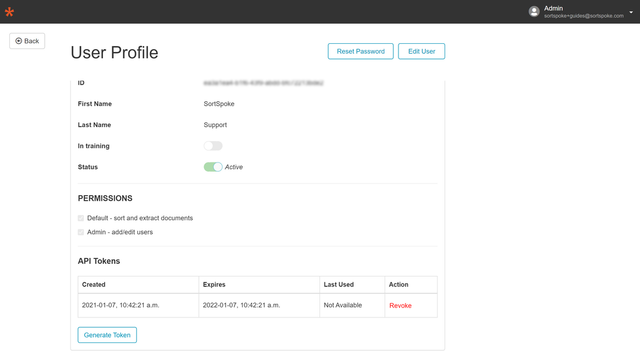
The user’s page shows each token’s Created and Expiry dates. Create a new token before the current one expires.


Revoke a token.
Click Revoke next to any token to remove it.
Revoking is permanent and can’t be undone.
